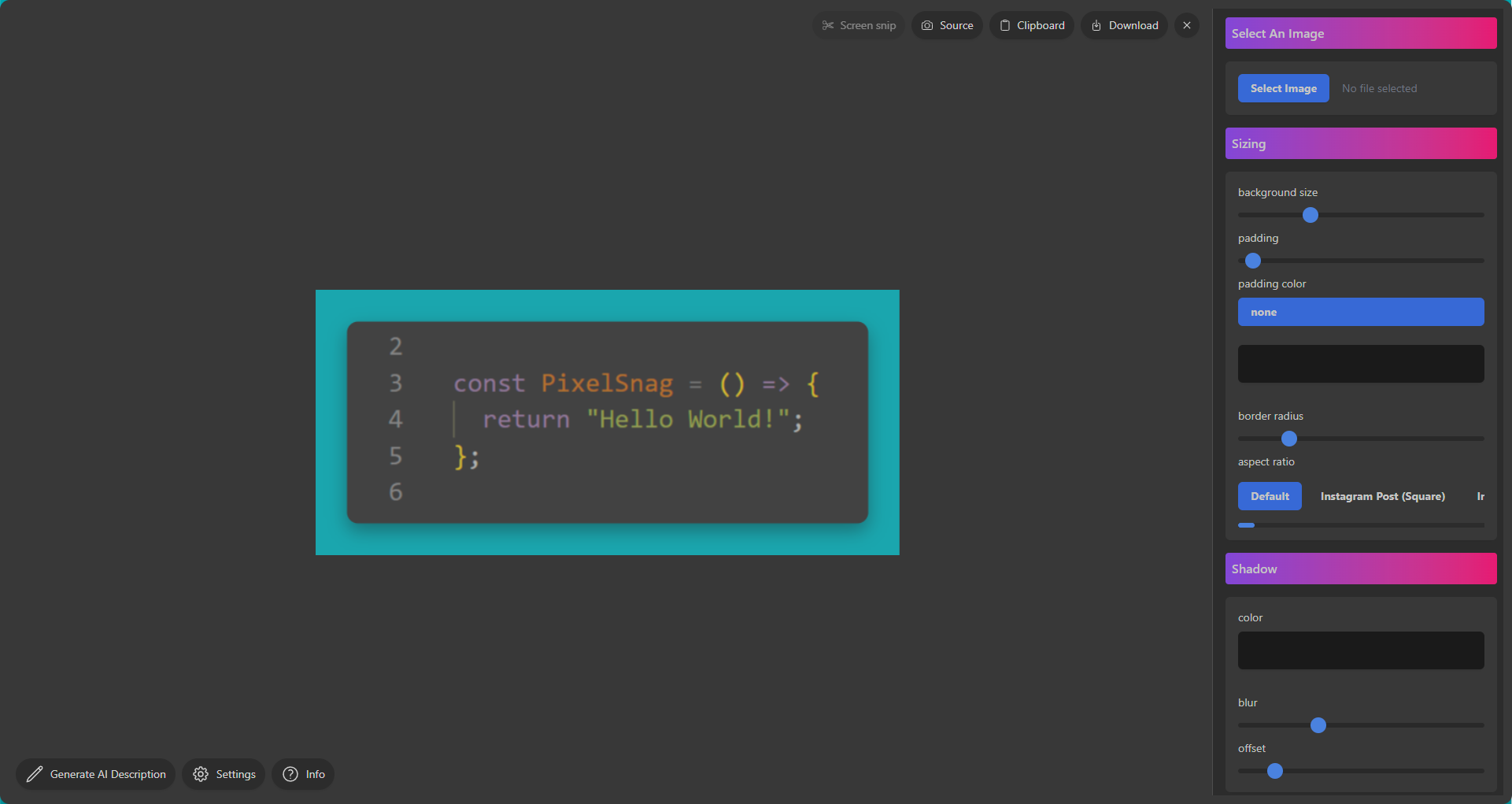
Say goodbye to boring screenshots
Explore the comprehensive features of PixelSnag
Intuitive screenshots
Capture sections, windows, or full screens with ease, or upload your own images for editing—available on both Windows and macOS(Apple Silicon).
Edit with ease
Create stunning, professional-looking images in just a few clicks.
Diverse backgrounds
Enhance your screenshots with a variety of creative backdrops for a unique touch.
Choose your platform
Export in popular aspect ratios optimized for different social media platforms.
Powered by AI
Generate AI-powered descriptions to instantly summarize your screenshots.
Ready to share
Quickly copy images to your clipboard or save them locally for seamless sharing.
Easy as 1, 2, 3...
1
Take a screenshot by pressing CTRL(CMD on Mac) + ALT + SHFT + S on your keyboard.
2
Screenshots will automatically open in the PixelSnag photo editor.
3
Edited screenshots can be exported or copied directly to the clipboard for pasting and sharing.

Subscribe And Get:
Instant capturing and sharing
Extensive editing tools
AI-powered image analysis
Full feature access across Windows and MacOS (Apple Silicon)
Priority customer support
Try for free- 14-Day Trial
Just $5/month after that!
Download